Flipkart Shipping Label Cropper
Crop Smarter. Ship Faster.
Effortless Flipkart Label Cropping in Seconds. Upload, crop, and organize your shipping labels with precision. Save time, reduce errors, and streamline your order processing—all in one simple tool. Start Cropping Now!
How Flipkart Label Cropper Works?
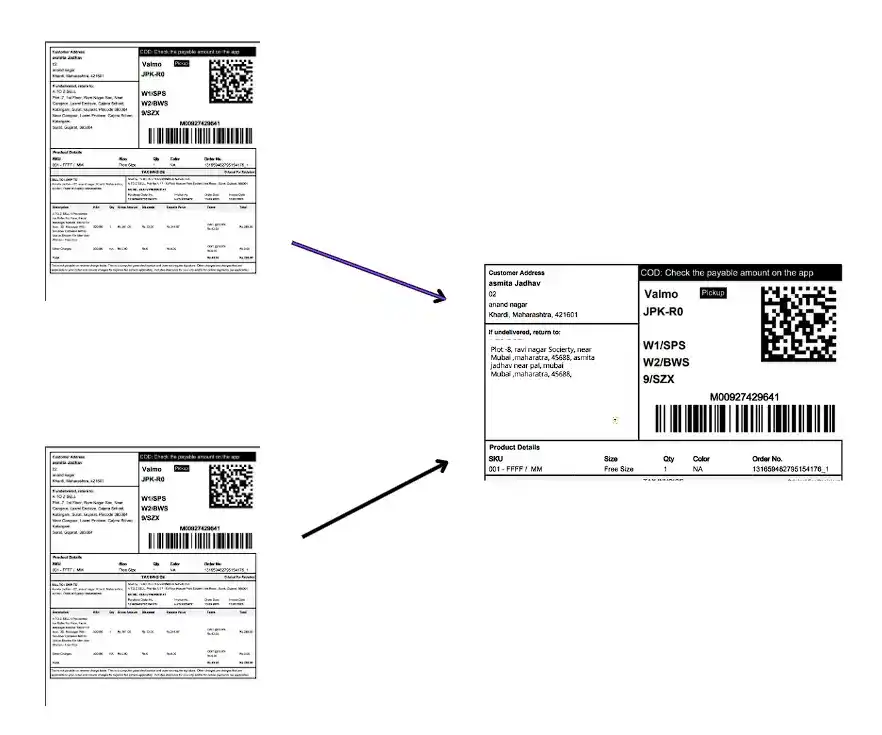
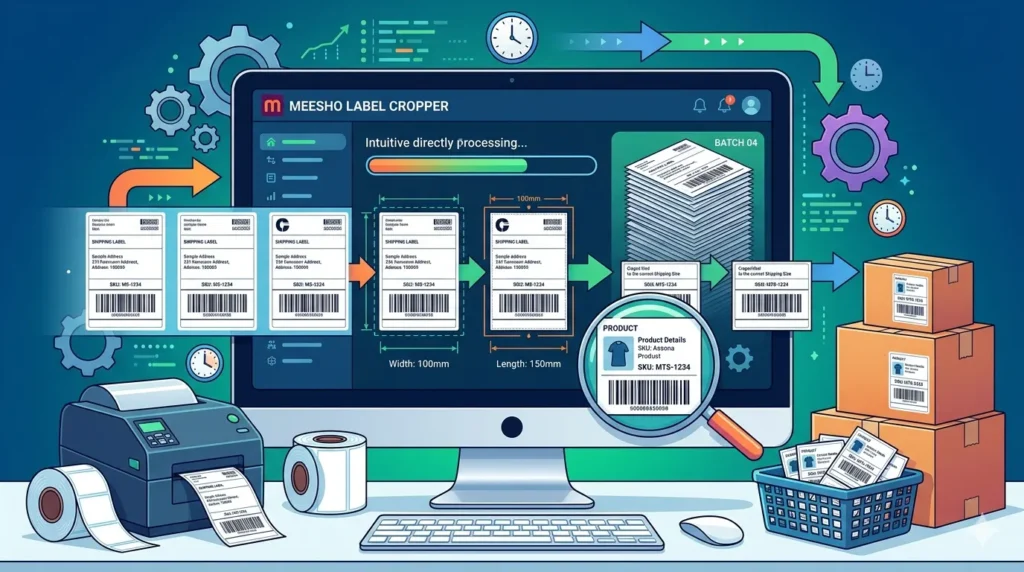
Our Flipkart Label Crop Tool simplifies your shipping process in just a few steps. Whether you have one label or hundreds, we make sure you get perfectly cropped and ready-to-print shipping labels — without manual effort.
- Step 1: Upload one or multiple merged Flipkart shipping label PDFs.
- Step 2: Please select the option you prefer and find most convenient for processing your Flipkart order.
- Step 3: The cropped Flipkart shipping labels preview will be shown in the right side panel.
- Step 4: Click on “Download Shiping Label” button to download the cropped shipping labels.
It’s fast, accurate, and designed to save you hours of manual work.
Do You Need Label Cropping Tool For Flipkart ?
If you’re looking for a reliable label cropping tool for Flipkart, My PDF Space’s Flipkart Label Cropper is a smart choice.
Our mission is to eliminate manual effort and help you save valuable time. With our tool, you can:
- Crop multiple labels in one go with batch processing
- Automatically adjust dimensions for accurate width and height
- Auto-add product SKUs directly onto labels for easy identification
Make your shipping workflow faster, easier, and more efficient.
How Flipkart Label Cropper Can Help You?
The Flipkart Shipping Label Crop Tool is an essential game changer tool for Meesho sellers, offering a simple and effective way to manage shipping labels. Here’s what you can expect:

Saves time on bulk processing
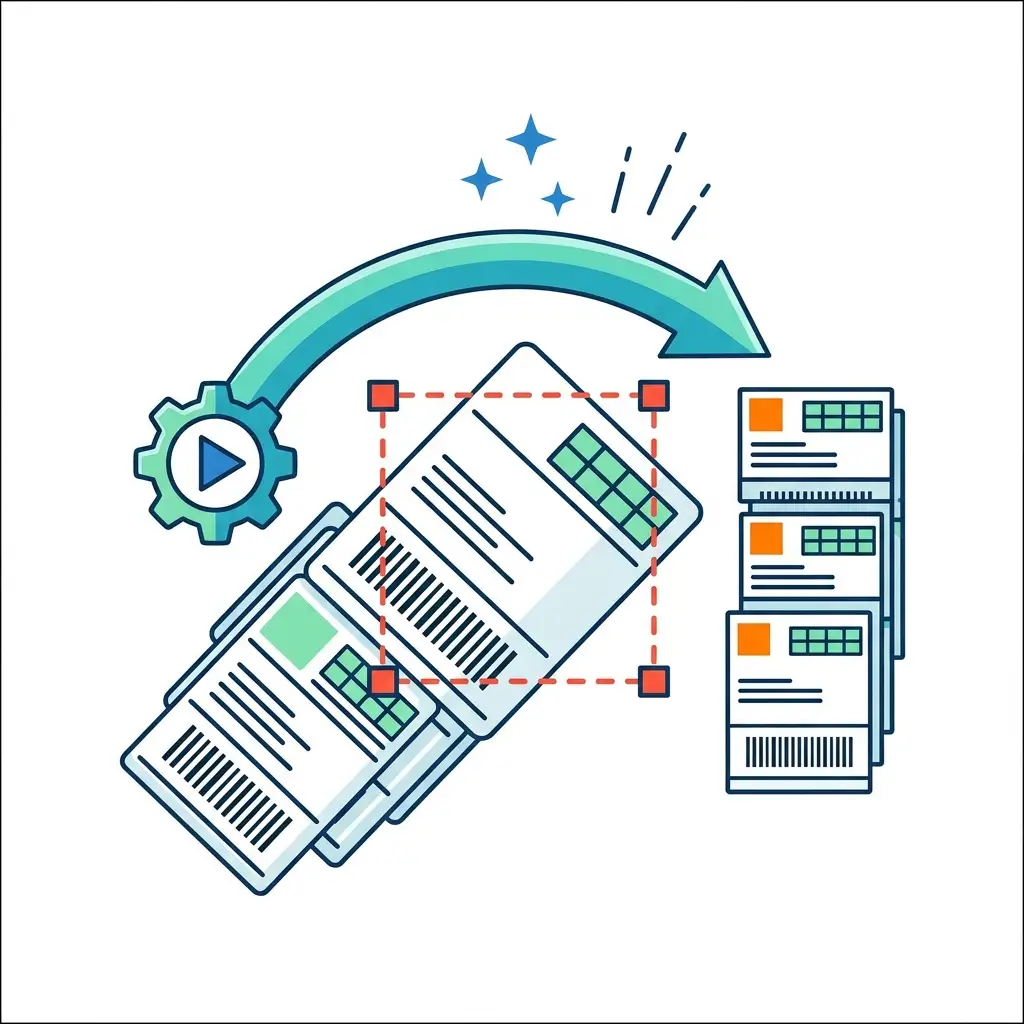
Quickly crops multiple Flipkart shipping labels at once, eliminating manual editing for each file.
Supports multiple layout formats
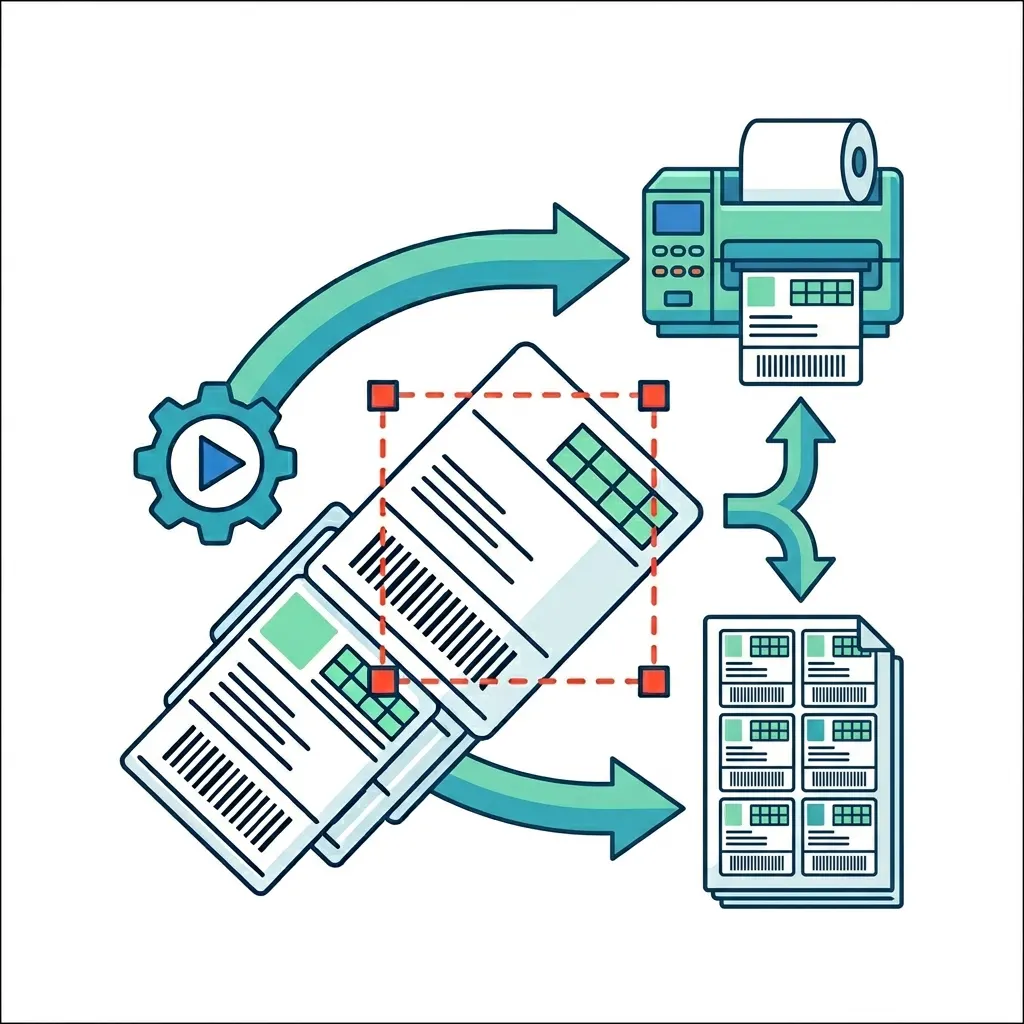
Offers both Label Printer and A4 layout options, making it flexible for different printing setups.
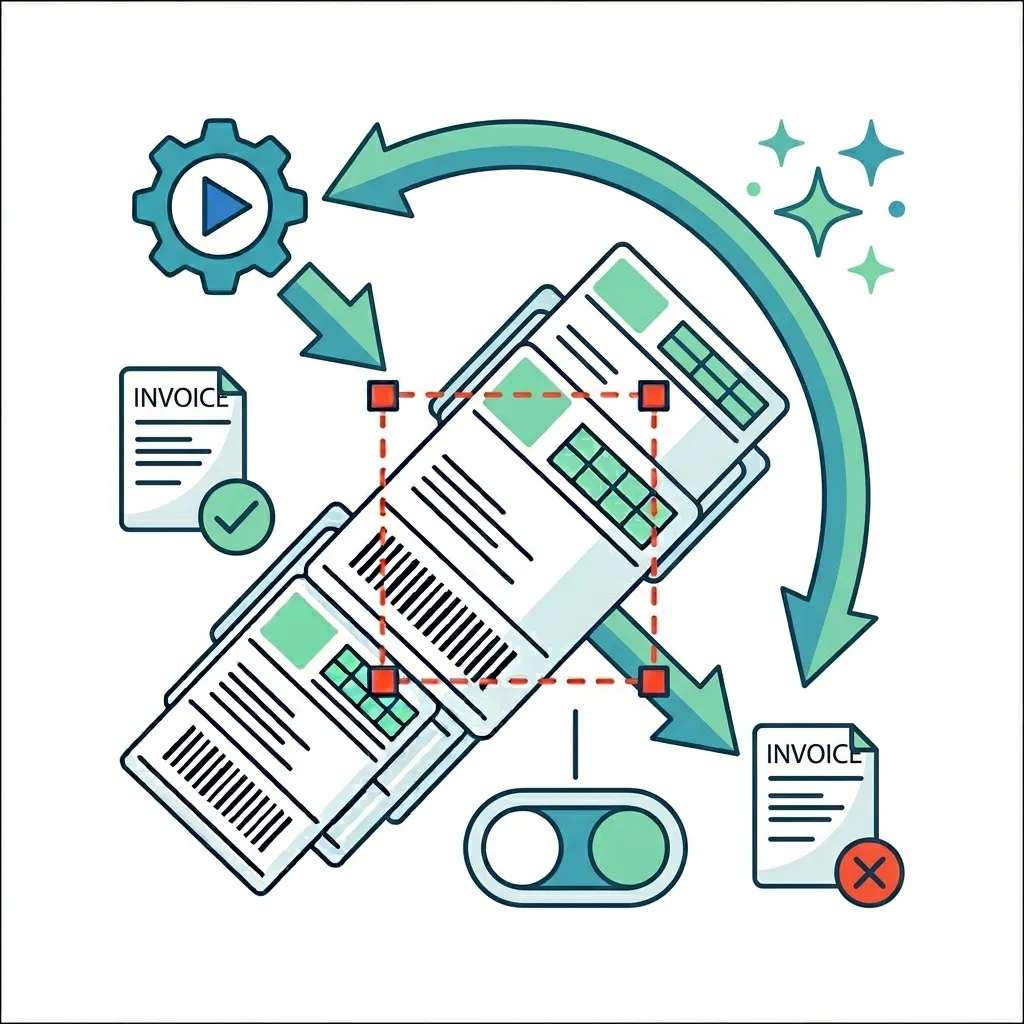
Handles invoices easily
Lets users include or exclude invoices, depending on their workflow needs.
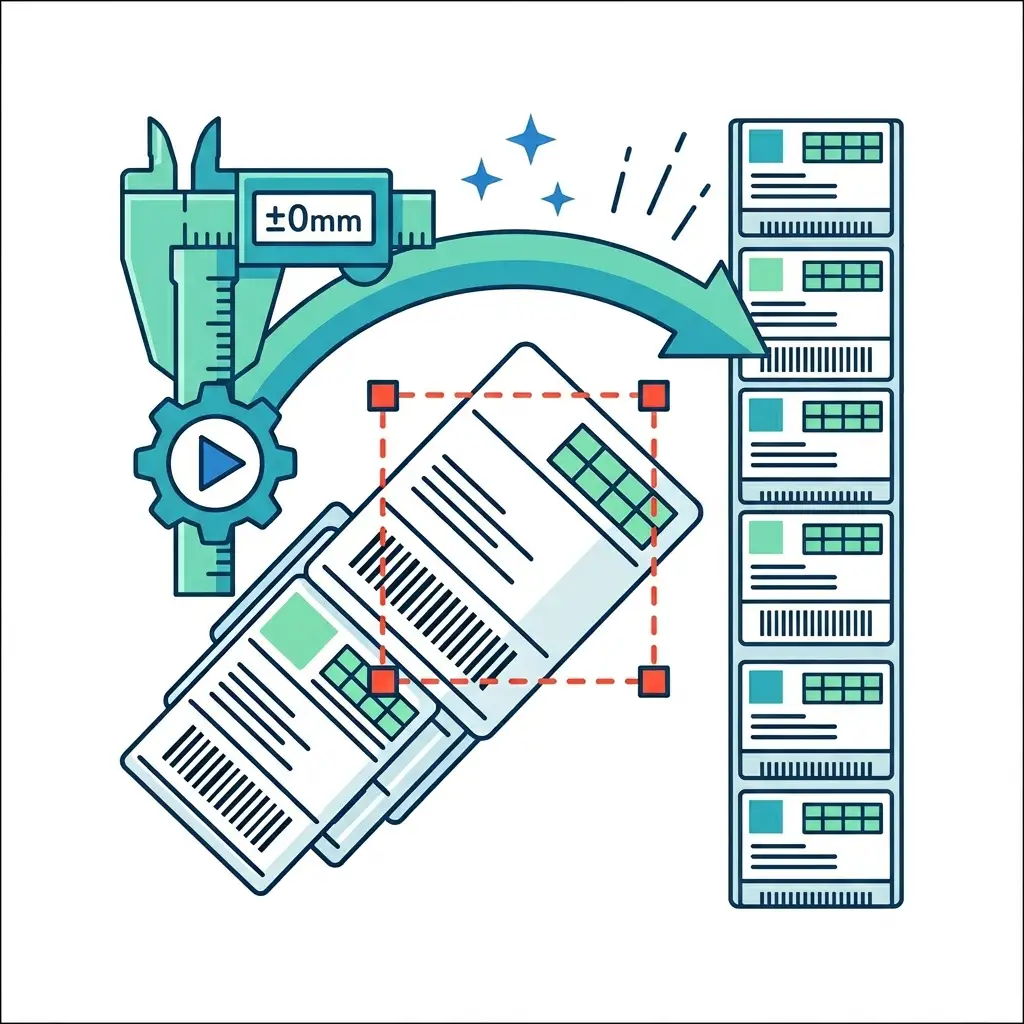
Accurate and consistent cropping
Ensures every label is perfectly aligned and trimmed for professional, error-free printing.
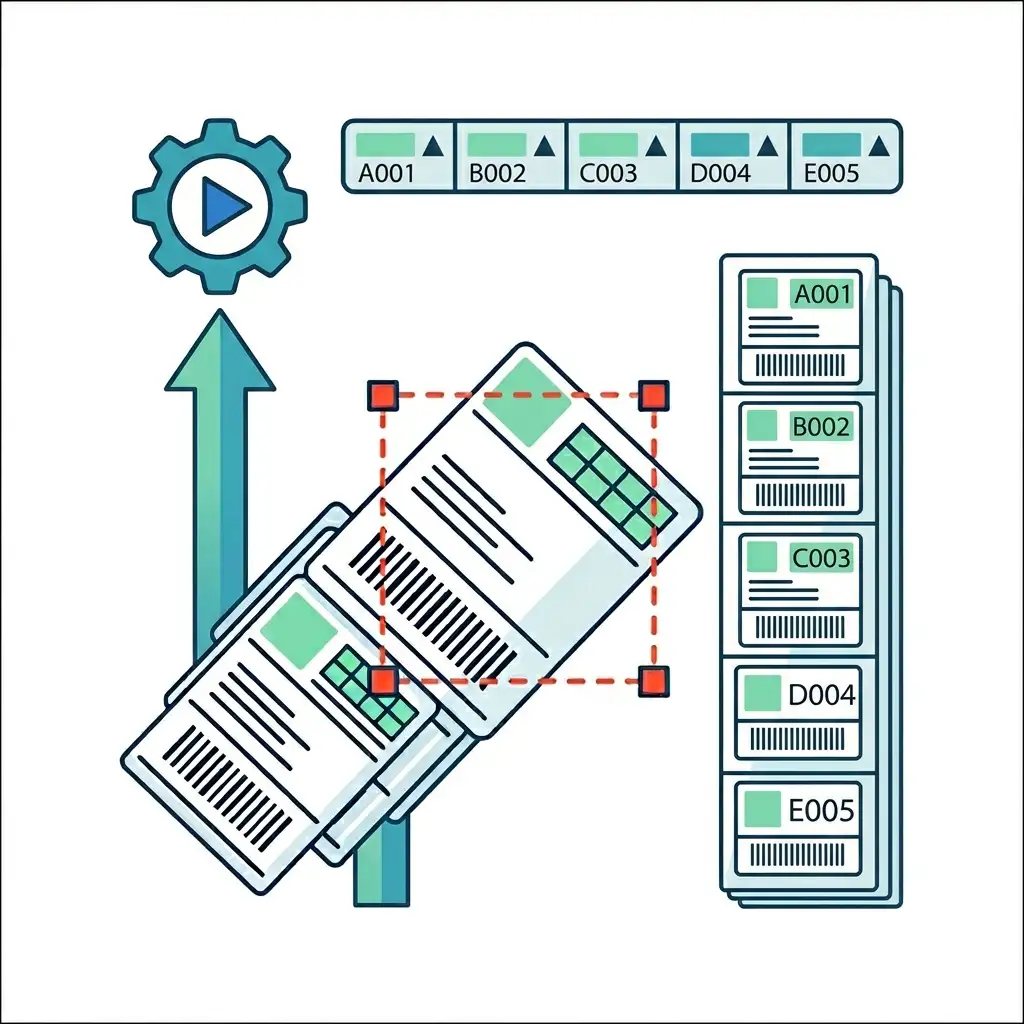
Simplifies SKU identification
Allows sorting by SKU, helping sellers organize and manage orders more efficiently.
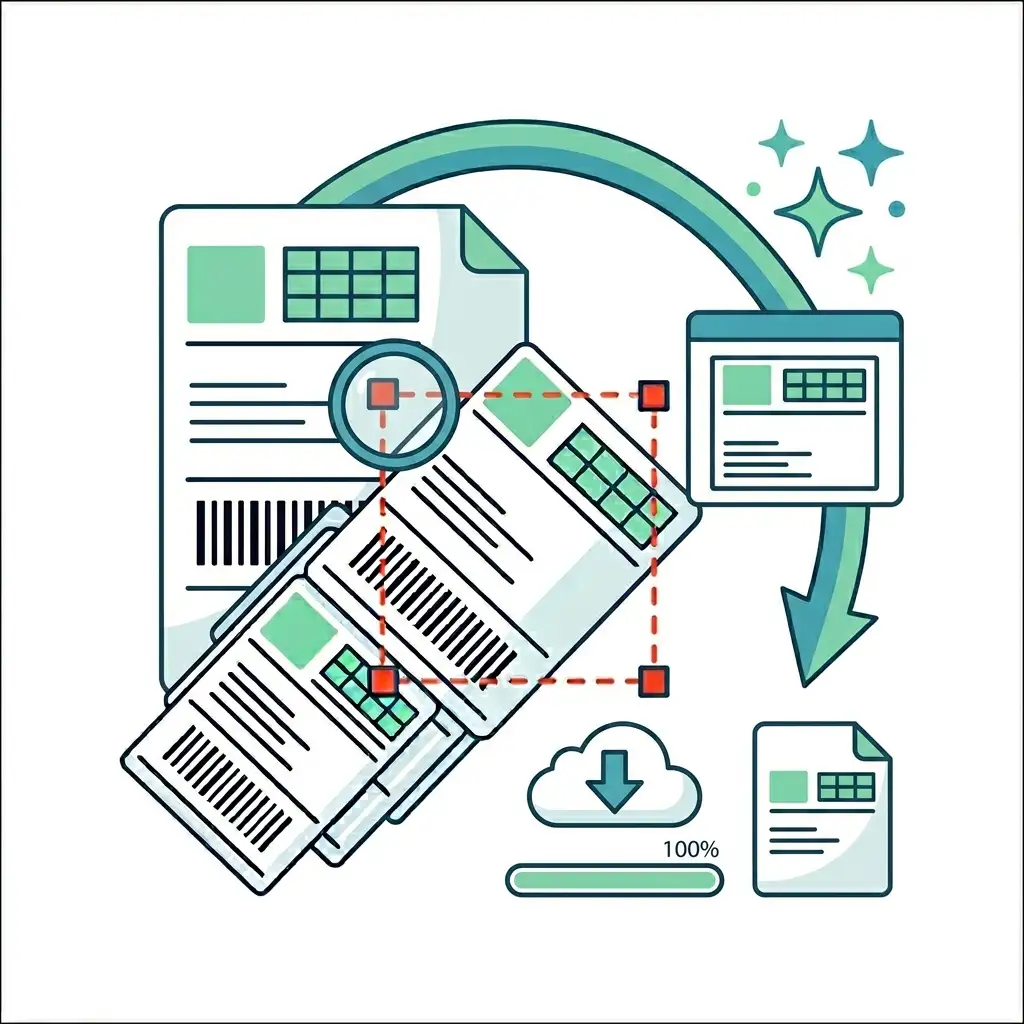
Instant preview and download
Shows cropped previews before downloading, so users can verify results and avoid mistakes.

Features of Our Flipkart Shipping Label Crop Tool

Unlimited, Hassle-Free Usage
Process as many shipping labels as you need—no limits, no interruptions.

Simple & User-Friendly
An intuitive interface that makes label cropping effortless—even for first-time users.

Secure & Private by Design
Your files are handled with care, ensuring complete data privacy and protection.
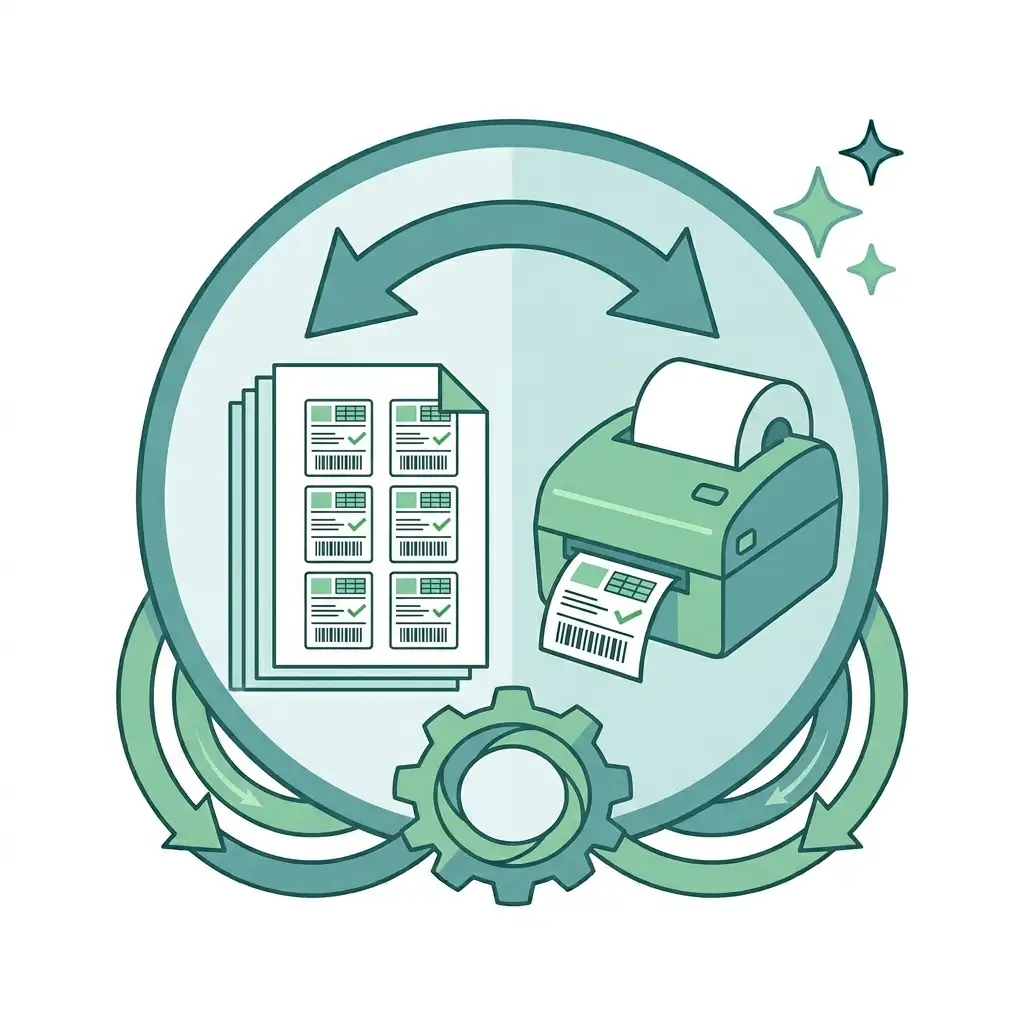
Flexible Printing Layouts
Easily switch between Label Printer and A4 formats to match your workflow.

Lightning-Fast Processing
Crop and prepare labels in seconds, saving valuable time during peak orders.
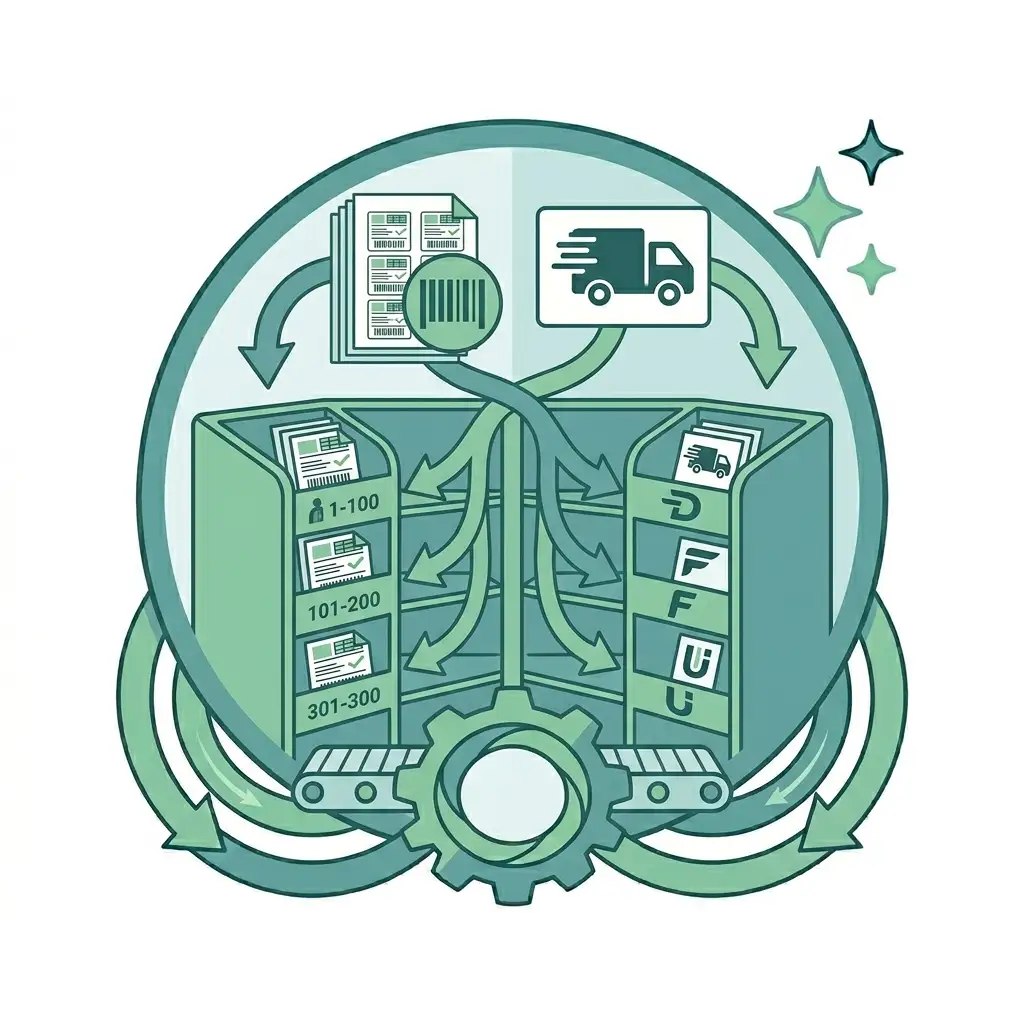
Smart Organization Tools
Sort labels by SKU or delivery partner for smooth packing and dispatching.

What Flipkart Sellers Are Saying?
Frequently Asked Questions
How can I crop Flipkart labels for a thermal printer?
Simply upload your A4 Flipkart label PDF to the tool. It will automatically detect each label and convert them into the standard 4×6 inch format. The tool also groups labels by courier, sorts them by SKU, highlights multi-quantity orders, and generates a single file ready for thermal printing.
What makes this Flipkart Label Crop tool different?
This tool goes beyond basic cropping. In addition to converting labels, it provides SKU-wise totals. This helps you quickly understand packing requirements, reduce errors, and streamline your dispatch process.
What is the correct label size for thermal printing?
The standard size for thermal printers is 4×6 inches. The tool automatically converts A4 Flipkart label PDFs into this format, so no manual resizing or cutting is required.
Is the Flipkart Label Crop tool free?
Yes, the tool is completely free to use. You can upload your PDF and instantly get a processed, print-ready file without any charges.
Can I crop multiple labels at once?
Absolutely. You can upload an A4 sheet containing multiple labels, and the tool will automatically crop, organize, and compile them into a single printable PDF.
Is my data secure when using this tool?
Yes. All processing happens locally in your browser. Your files are not uploaded or stored on any server, ensuring complete privacy and security.
What is a Flipkart Label Cropper?
A Flipkart Label Cropper is a tool designed to extract and format shipping labels from PDF files. It ensures precise cropping while preserving all essential information and optimizing the layout for printing.
Does the tool preserve all label information?
Yes. All important details such as SKU, order ID, customer information, addresses, and barcodes are fully retained in the cropped labels, ensuring smooth order fulfillment.